
Keyboards and mice
Wired, receiver-based, Bluetooth, multi-mode, office, travel, quiet-click, and performance options.
Confirm layout, host connection, receiver, pairing, wake behavior, controls, software, tracking, and ergonomics.Source computer peripherals around target hosts, operating systems, connection standards, desk workflows, ergonomics, software dependencies, packaging, and repeatable sample testing.
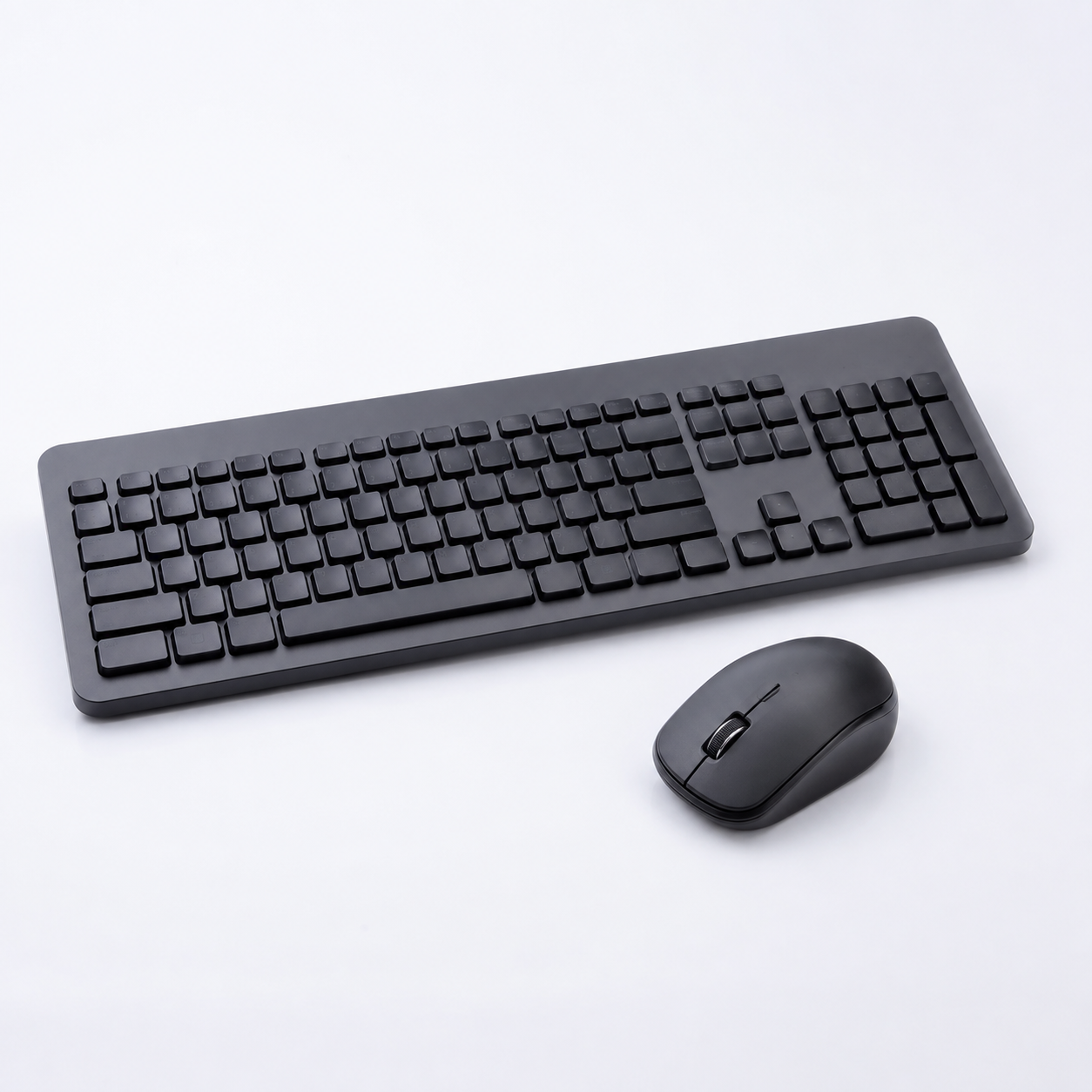
A computer accessory can connect correctly yet fail the intended workflow because of port limits, operating-system behavior, driver dependency, display bandwidth, power delivery, layout, latency, or ergonomics. Use representative host systems and tasks during sample approval.
Wired, receiver-based, Bluetooth, multi-mode, office, travel, quiet-click, and performance options.
Confirm layout, host connection, receiver, pairing, wake behavior, controls, software, tracking, and ergonomics.Multi-port expansion for laptops, tablets, offices, meeting rooms, and mobile workstations.
Map host capability, displays, data, Ethernet, cards, power input, power delivery, cables, and simultaneous use.Video-meeting, streaming, education, and creator products for desktop and portable setups.
Test image or audio quality, mounting, privacy, drivers, app compatibility, cable, controls, and room conditions.Desk, travel, adjustable, foldable, and cooling accessories for mobile computers.
Review device fit, load, hinge stability, adjustment, ventilation, fan noise, materials, and surface protection.Portable SSD, flash storage, card readers, and enclosures for transfer and backup workflows.
Verify interface, sustained speed, media type, capacity support, heat, file workflow, cables, and compatibility.Headsets, speakers, controllers, mouse pads, lighting, and other performance-oriented accessories.
Define platform, connection, latency, controls, audio, microphone, software, mechanical durability, and claims.Customization is useful only when the final configuration remains clear to the buyer, supplier, inspector, and sales channel.
Confirm each option before quotation and repeat it in the approved sample record. Final capability, documentation, MOQ, lead time, and compliance scope depend on the selected product and destination market.
Send Project BriefA repeatable approval sequence keeps commercial expectations and product evidence connected.
Share the target market, sales channel, application, quantity, packaging needs, and timing.
Review configuration, samples, test evidence, commercial scope, and known product limitations.
Freeze the product, accessories, appearance, labels, artwork, instructions, and packaging.
Use the approved reference for production follow-up, inspection, cartons, and document handoff.
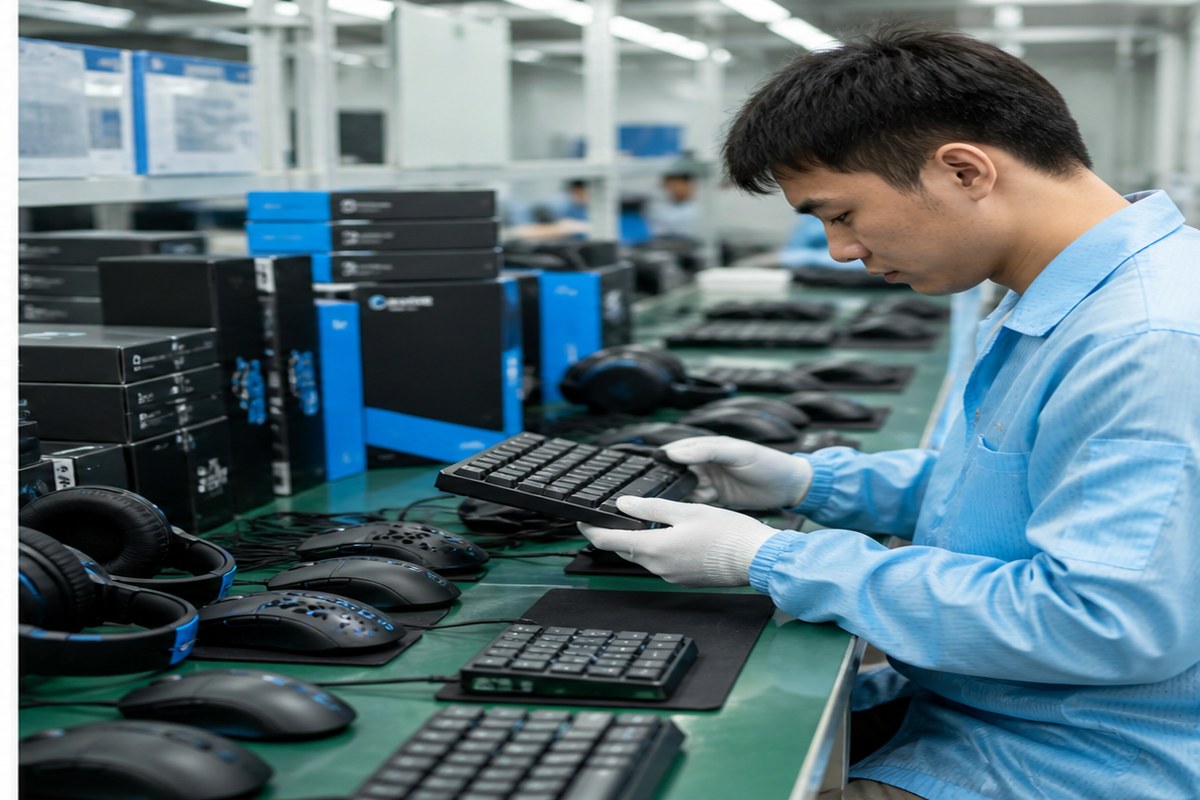
Use representative laptops, desktops, tablets, operating systems, ports, adapters, and software versions.
Run the actual display, transfer, meeting, typing, tracking, audio, charging, or gaming scenario.
Check dimensions, controls, feet, hinges, cables, connectors, adjustment, comfort, noise, and finish.
Confirm model, layout, compatibility, accessories, drivers, instructions, claims, barcode, packaging, and cartons.
Create practical ranges for managed desks, hybrid work, meeting rooms, education, and replenishment.
Segment products by host, workflow, performance, ergonomics, and software support.
Prepare standard kits with controlled compatibility, accessories, labels, and deployment instructions.
Include your market, channel, estimated quantity, required configuration, packaging, and timing.
ByteAero will review the request and continue by email. Product capability, price, MOQ, samples, documentation, and delivery details are confirmed for the selected model and project.
Email: info@byteaero.com
Required fields are marked with *.
These answers outline the buying process. Final details depend on product, destination market, quantity, and customization scope.
Share target hosts, operating systems, ports, intended workflows, required functions, quantity, destination, packaging, branding, and any deployment or software restrictions.
USB-C ports can differ in data, video, charging, power delivery, and alternate-mode support. Confirm the exact host and workflow rather than relying on connector shape.
Yes. Test Bluetooth, 2.4 GHz receiver, wired mode, multi-device switching, sleep, wake, reconnect, controls, software, and operating-system limitations separately.
Yes, but approve each item and the combined pack-out, compatibility statement, accessories, instructions, barcode, carton protection, and replacement plan.
Inspection can cover quantity, appearance, dimensions, connection, representative functions, controls, accessories, layout, labels, packaging, barcodes, and cartons.