
Compact USB-C hubs
Portable expansion for essential display, data, card, network, and charging functions.
Confirm host video support, port combinations, cable length, power pass-through, heat, and travel durability.Compare USB-C and higher-bandwidth docking products with defined laptops, displays, chargers, cables, storage, Ethernet, operating systems, simultaneous workloads, packaging, and support notes.
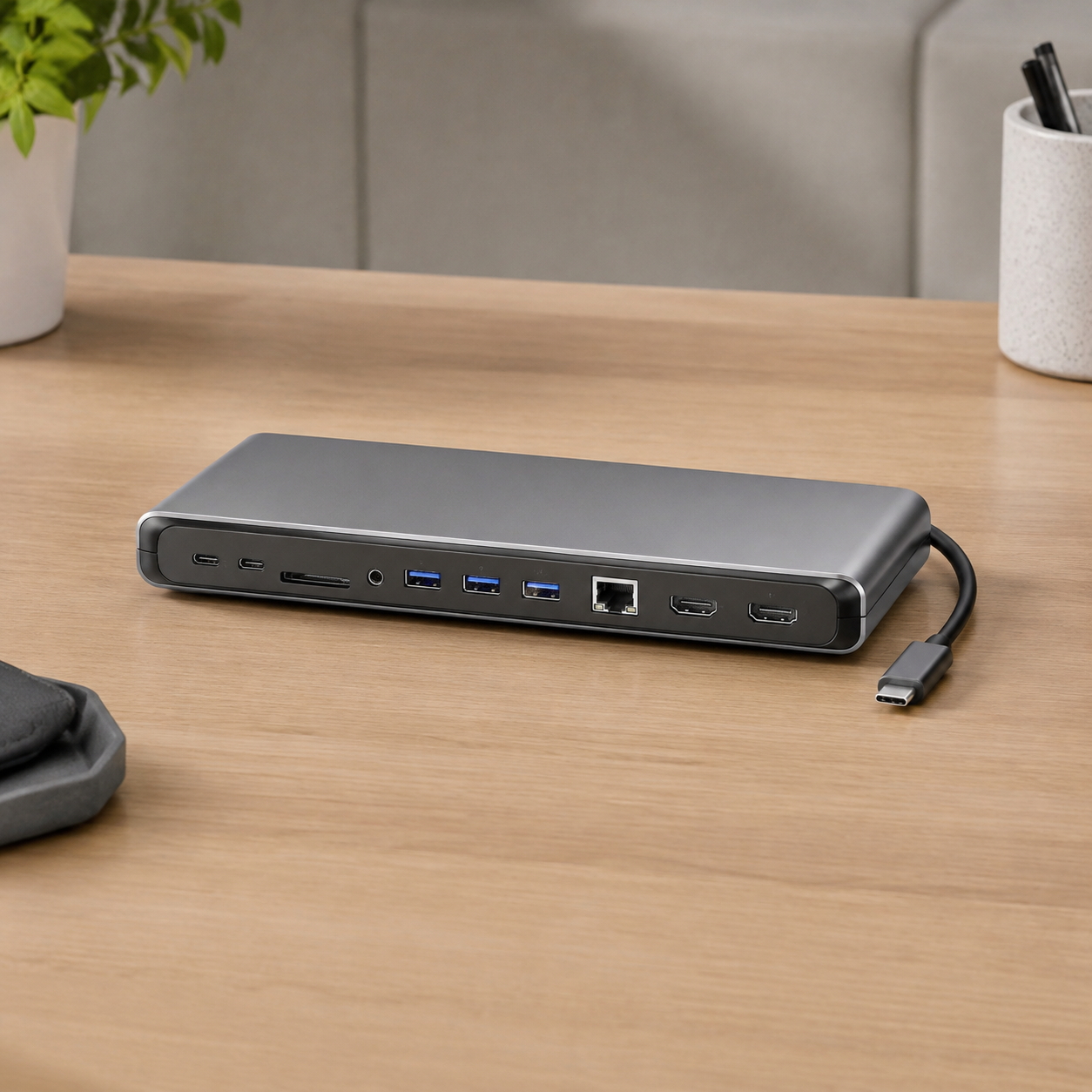
A docking station depends on host USB-C or Thunderbolt capability, operating system, chipset, firmware, display protocol, bandwidth sharing, charger, cable, peripherals, and workload. Every advertised display and port combination should be validated as a system.
Portable expansion for essential display, data, card, network, and charging functions.
Confirm host video support, port combinations, cable length, power pass-through, heat, and travel durability.Larger desk products with more ports, stronger power options, Ethernet, audio, and display outputs.
Review supplied power, host charging, display matrix, simultaneous traffic, stability, firmware, and cable management.Products for multi-monitor office, trading, creation, or productivity setups.
Test exact hosts, operating systems, resolutions, refresh rates, adapters, display modes, and bandwidth limitations.Higher-bandwidth docking options for compatible professional hosts and peripherals.
Verify certification claims, host generation, cable capability, displays, storage, PCIe-related functions, and power.Dock-and-stand formats combining workspace organization with port expansion.
Check laptop fit, stability, ventilation, connector strain, display use, adjustments, and desk footprint.Coordinated compact and desktop products with controlled cables, chargers, firmware, manuals, and packaging.
Freeze chipset, firmware, port table, display matrix, power budget, enclosure, labels, claims, and golden sample.Customization is useful only when the final configuration remains clear to the buyer, supplier, inspector, and sales channel.
Confirm each option before quotation and repeat it in the approved sample record. Final capability, documentation, MOQ, lead time, and compliance scope depend on the selected product and destination market.
Send Project BriefA repeatable approval sequence keeps commercial expectations and product evidence connected.
Share the target market, sales channel, application, quantity, packaging needs, and timing.
Review configuration, samples, test evidence, commercial scope, and known product limitations.
Freeze the product, accessories, appearance, labels, artwork, instructions, and packaging.
Use the approved reference for production follow-up, inspection, cartons, and document handoff.

Test approved laptops, operating systems, ports, resolutions, refresh rates, mirror or extend modes, and wake behavior.
Measure host charging and downstream behavior with defined charger, cable, devices, and simultaneous loads.
Run storage transfer, Ethernet, cards, audio, peripherals, sleep-wake, reconnect, and sustained-use scenarios.
Check enclosure temperature, ports, cable, feet, labels, firmware, instructions, accessories, packaging, and cartons.
Build portable, office, multi-display, and professional dock tiers with controlled compatibility tables.
Validate approved laptop, monitor, network, charger, operating-system, and deployment combinations.
Present exact port behavior, display limits, power assumptions, included items, and host requirements.
Include your market, channel, estimated quantity, required configuration, packaging, and timing.
ByteAero will review the request and continue by email. Product capability, price, MOQ, samples, documentation, and delivery details are confirmed for the selected model and project.
Email: info@byteaero.com
Required fields are marked with *.
These answers outline the buying process. Final details depend on product, destination market, quantity, and customization scope.
Share host models, operating systems, display count and resolution, required ports, charger, power delivery, Ethernet, storage, peripherals, quantity, packaging, and destination.
USB-C ports may differ in video alternate modes, USB generation, power delivery, lane allocation, firmware, drivers, and operating-system behavior.
Use a matrix of exact hosts, operating systems, connection path, display count, resolution, refresh rate, mirror or extend mode, and any adapter or driver dependency.
Yes. Cable bandwidth, power rating, length, shielding, connector quality, active components, and firmware can affect the dock experience.
Inspection can cover appearance, port identity, displays, power delivery, data, Ethernet, audio, cards, cable, charger, labels, firmware reference, packaging, and cartons.