
Quick Article Directory
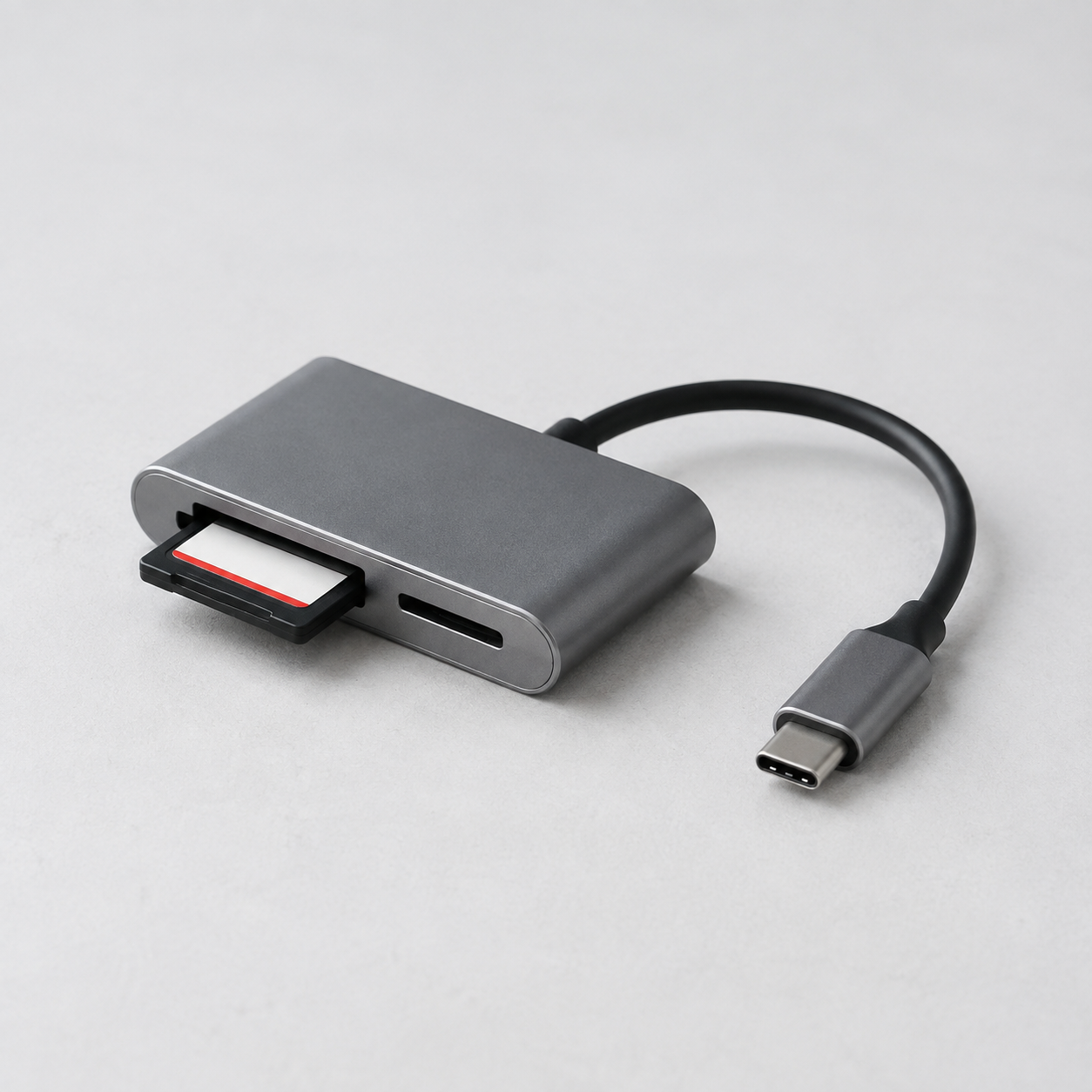
USB-C Card Reader Wholesale Guide for Camera and Office Buyers
Topic Research and Search Intent
Blog title: USB-C Card Reader Wholesale Guide for Camera and Office Buyers
Target keyword: USB-C card reader wholesale
Search intent: Buyers need card readers that work predictably with selected SD or microSD formats, host devices, transfer workloads, and compact retail packaging.
Why this topic fits a B2B export website: Card readers connect office, camera, tablet, and creator workflows and can be bundled with hubs, storage products, and portable monitors.
Introduction
USB-C card readers are useful for photo transfer, classroom files, mobile content, and office backup. Buyers should specify slots, card types, host connection, simultaneous-card behavior if advertised, and intended file workflow. A Type-C shell says nothing about the reader's actual transfer behavior.
Use real cards for approval. The SD Association describes Speed Class, UHS Speed Class, Video Speed Class, and SD Express Speed Class as distinct performance indications; its speed-class overview is a useful reference when matching reader claims to intended cards. Test selected SD and microSD cards with target laptops, tablets, and file sizes. See ByteAero's USB-C flash drive guide and USB-C hub guide.
QC and RFQ Preparation
Check insertion and removal, card retention, read/write behavior, simultaneous use only where supported, host reconnection, connector fit, heat, and casing. Factory testing should include each advertised slot, an approved card set, data copy and read-back, label, cable or cap, and packaging. Shipment inspection should sample card readers from finished packs and verify the exact model, slot configuration, accessory count, barcode, and carton totals.
RFQ example: "We need USB-C card readers for office and creator retail with SD and microSD slots, compact aluminum or durable plastic housing, English packaging, barcode, and private-label option. Confirm supported card formats, simultaneous-slot behavior, tested host systems, sample lead time, production lead time, and inspection plan."
FAQ
Will every card reader reach the speed printed on a card?
No. Reader interface, card, host device, file pattern, and thermal conditions all influence transfer behavior. Test the intended combination.
What causes common customer issues?
Unsupported cards, unclear simultaneous-use claims, poor connector fit, incorrect file-system assumptions, and mixed packaging are frequent problems.
Image Planning and AI Generation Prompts
Image 1 purpose: Creator application. Insert after Introduction. Caption: "A reader should be approved with the card formats and hosts the customer actually owns." ALT text: "USB-C card reader transferring SD card files to laptop." AI prompt: "Authentic desktop product photograph of one USB-C SD and microSD card reader connected to laptop with memory card inserted, clean creator desk, natural daylight, no text or logos."
Image 2 purpose: QC. Insert after QC and RFQ Preparation. Caption: "Final checks verify each slot, data transfer, connector fit, labels, and the complete retail pack." ALT text: "Asian technician testing USB-C card readers at factory bench." AI prompt: "Realistic electronics factory documentary photo, Asian technician testing USB-C card readers using SD cards and laptop at clean quality-control bench, no readable text."
CTA and Inquiry Popup Plan
Mid-article CTA: Send Your Requirements. End CTA: Ask for Product Catalog. Popup trigger: 40% scroll, 30 seconds, or exit intent. Title: "Source Card Readers for Your Channel". Copy: "Share card formats, host devices, packaging, and expected quantity." Fields: Name, Email, Phone, Company, Country/Region, Card Format, Quantity, Message. Submit: Send Requirements.
Conclusion
Reliable card-reader sourcing depends on real card-and-host testing, clear slot claims, and finished-pack inspection. ByteAero can support storage and connectivity product programs; contact us with your brief.